For medical professionals

Your profile, your network, your hours — in one app.

Nurses, therapists, physicians, advanced practitioners and allied health professionals use Locumfy to hold a verified professional profile, stay connected to the people they work alongside, find their next assignment, and record the hours they work.

  • Licences and registrations carry a verification state
  • A network of clinicians, not a general audience
  • Hours logged by week and month against each assignment
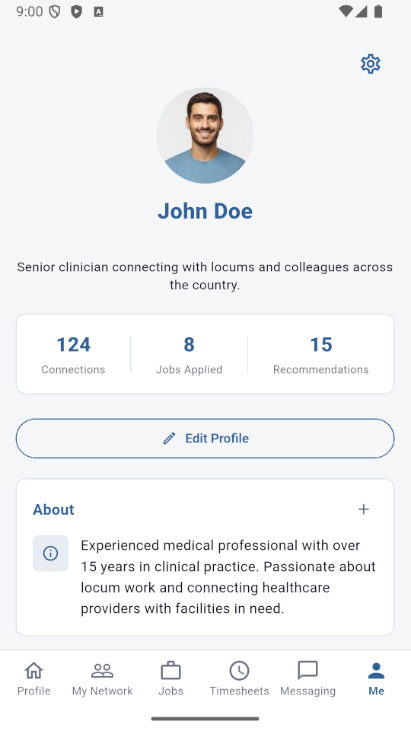
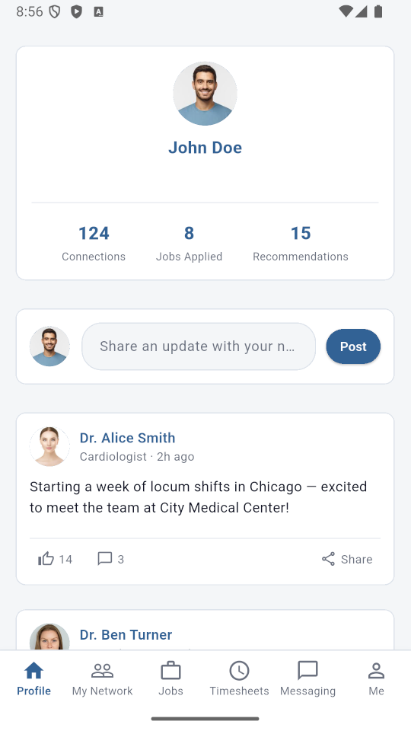
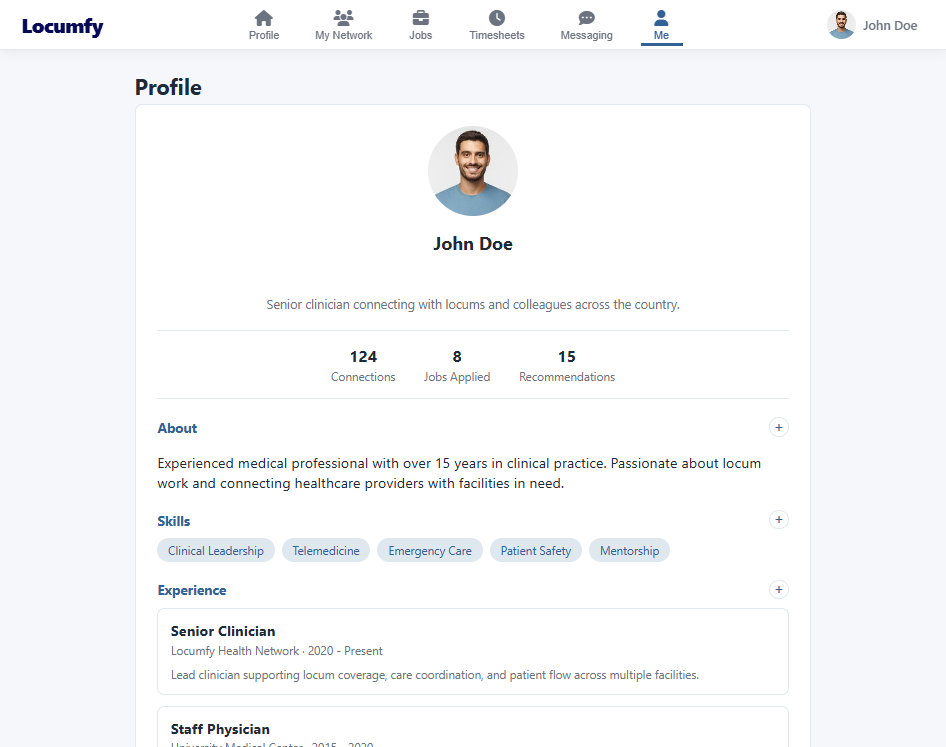
Mobile profile screen showing a clinician photo, connection and application counts, an about section, skills and experience.
Profile

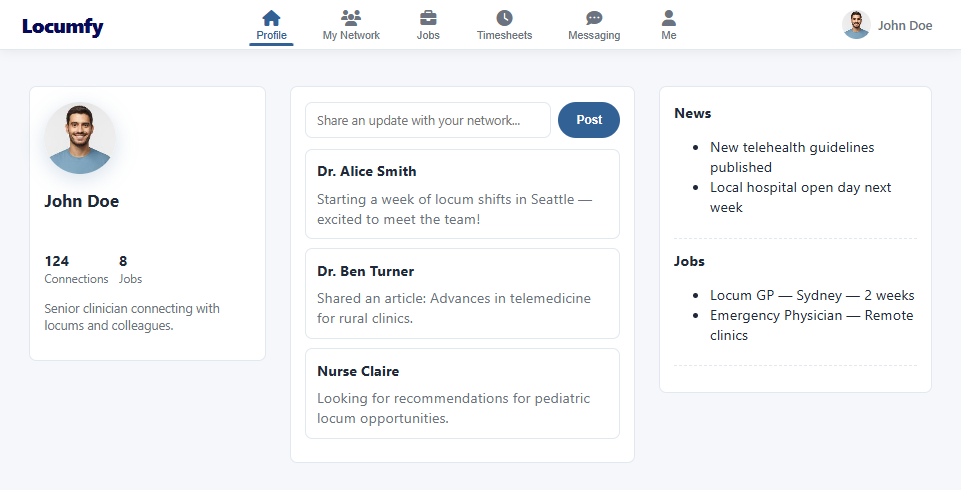
A profile that reflects a clinical career.

A general professional network was never built for a licence number, a residency, or a state-by-state practice history. Locumfy captures all of it as structured, searchable detail.

  • Experience and education — employment history, residencies, internships and degrees, each as a discrete record rather than a paragraph of text.
  • Skills and specialties — the clinical detail facilities actually filter on, held as tags a search can reach.
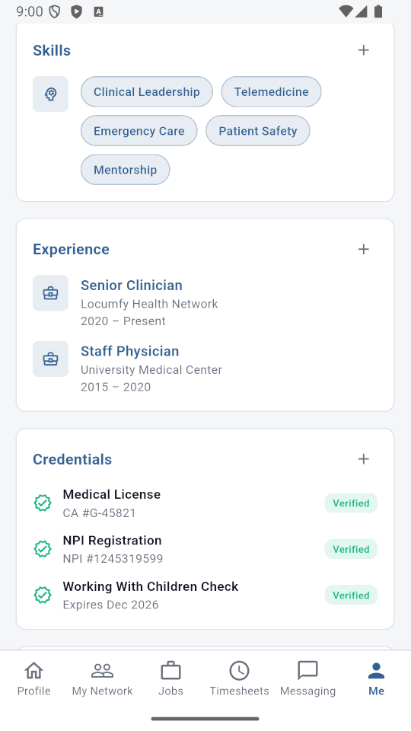
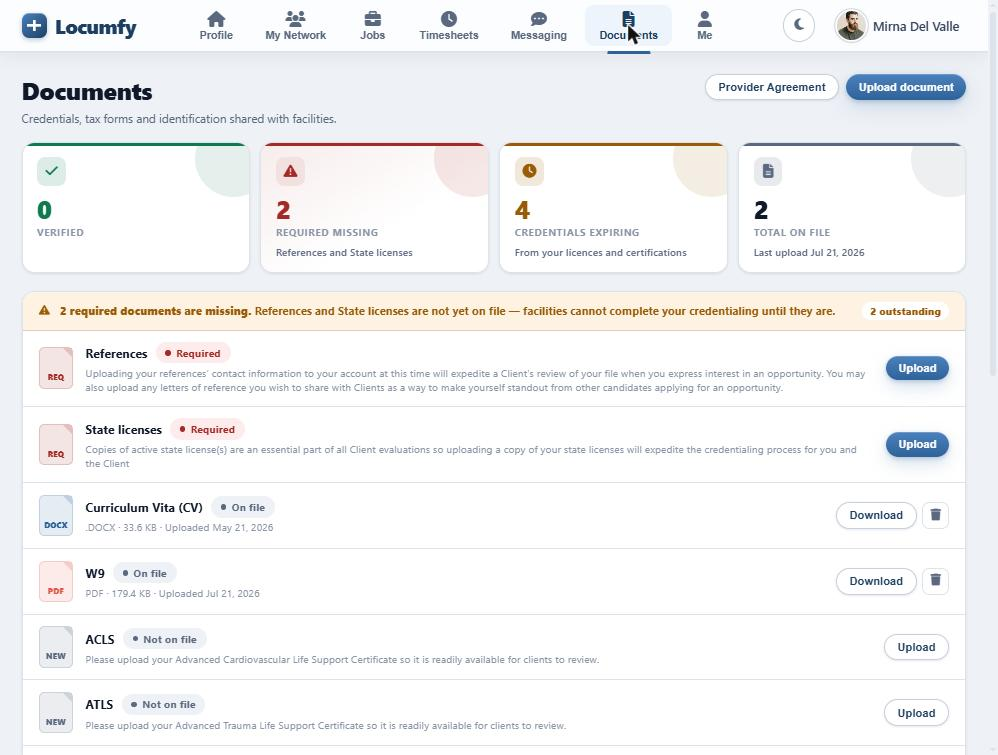
  • Credentials — medical licences, national provider registration and background checks, each shown with its verification state and expiry.
  • Publications, research and awards — the academic and professional record that distinguishes senior clinicians.
  • Preferences — the states and settings you want to work in, so the jobs you see are ones you would actually take.
Mobile credentials screen listing a medical licence, NPI registration and a working with children check, each marked verified.
Network & feed

The people you actually work with.

Because Locumfy understands where clinicians trained, where they have worked, and what they specialise in, it can suggest connections that make sense — and a feed worth returning to.

Connections

The colleagues, mentors and peers you have explicitly linked with, in one list you control.

Invitations

Requests waiting on you, kept separate from your established network so nothing gets lost.

Grow

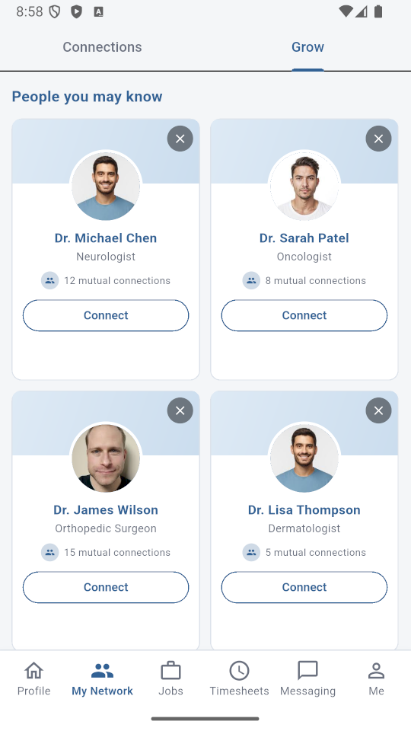
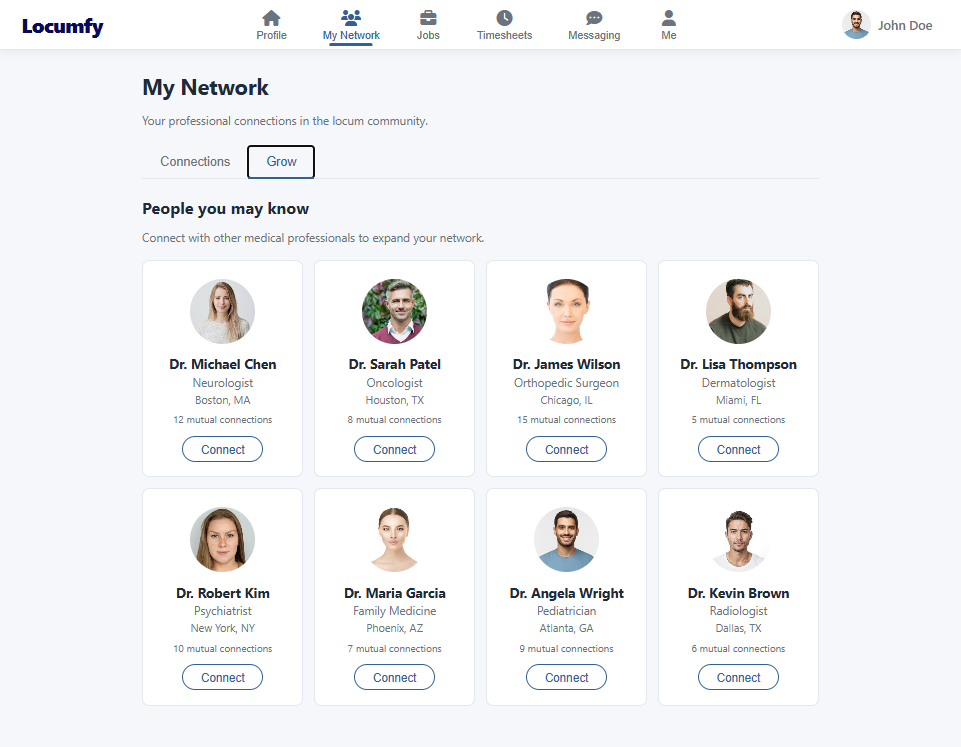
Suggested professionals drawn from shared employers, schools, specialties and geography — with the mutual connections shown.

Mobile Grow tab showing suggested clinicians to connect with, each card listing their specialty and mutual connections.
Suggested connections in the app
Mobile feed showing a post composer and updates from other clinicians in the network.
The professional feed
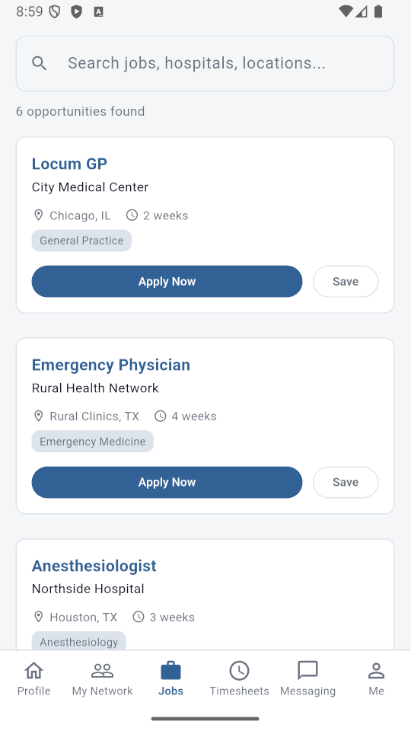
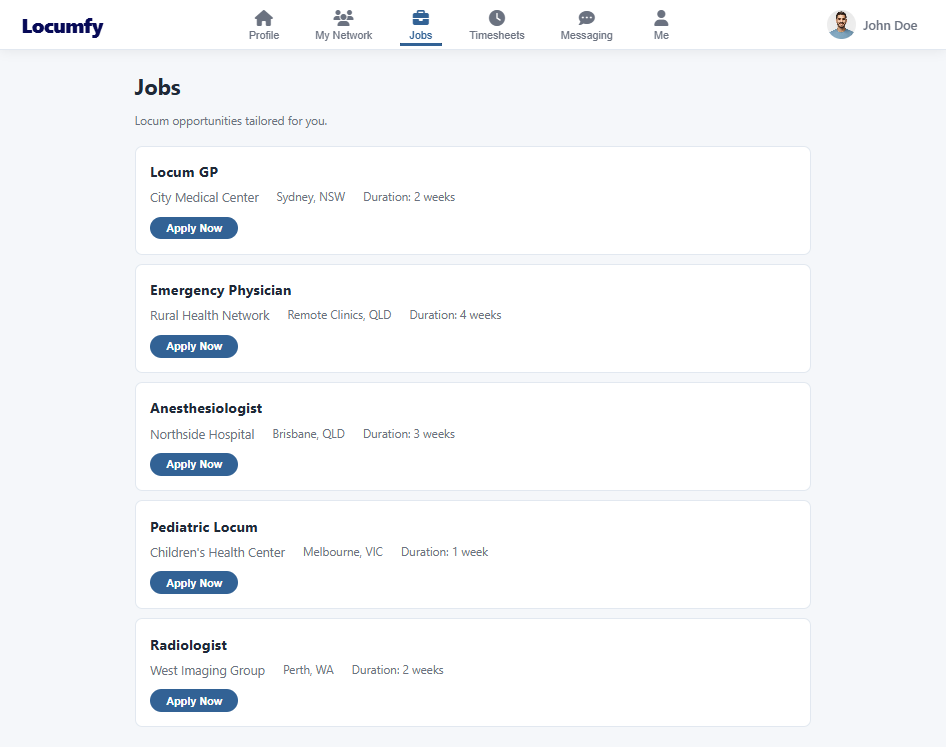
Mobile jobs screen listing locum opportunities with facility, location, duration and specialty, each with an apply action.
Jobs

Opportunities that match the way you practise.

Roles are surfaced against your specialty, your licences and the states you want to work in. Each listing carries the facility, the location, the duration and the clinical requirements, so you can judge fit before you apply.

  • Search and browse — filter by role, facility, location or keyword, or work through the opportunities matched to your profile.
  • Apply in a tap — your verified profile is the application — no re-keying the same details for every facility.
  • Save for later — keep roles you are considering without committing to them.
  • Full control — withdraw an application at any point before a facility accepts it.
Messaging & timesheets

Talk to facilities, then record the work.

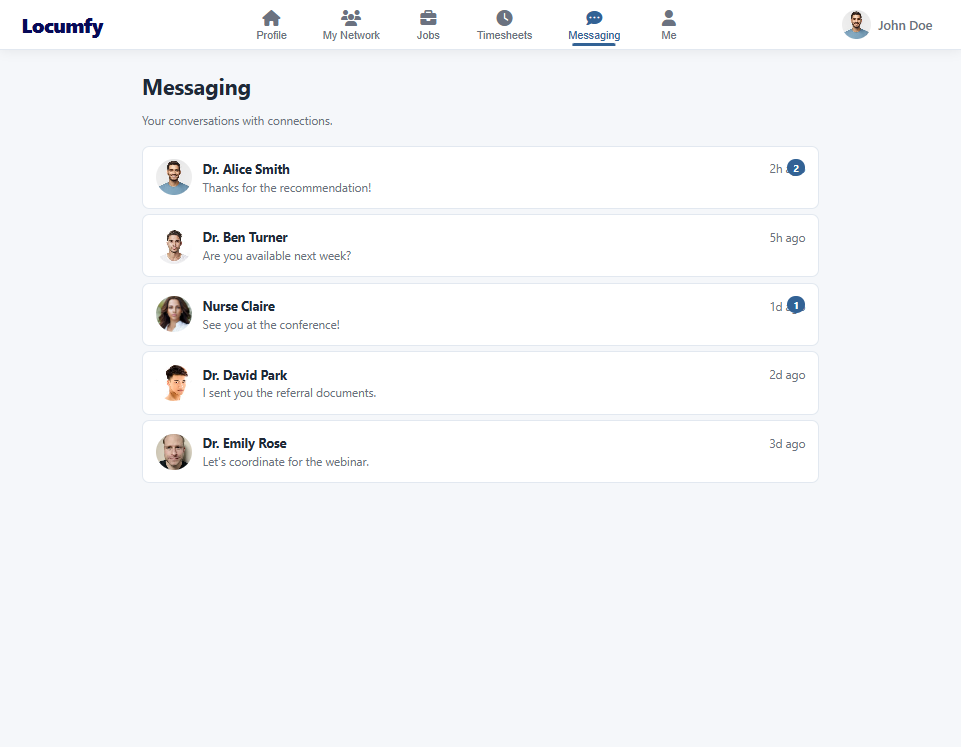
Conversations with facilities, recruiters and colleagues happen inside the platform, tied to the same verified identities as everything else. When an assignment starts, the timesheet for it is already waiting.

  • Direct messaging — threaded conversations with facilities and with other professionals in your network.
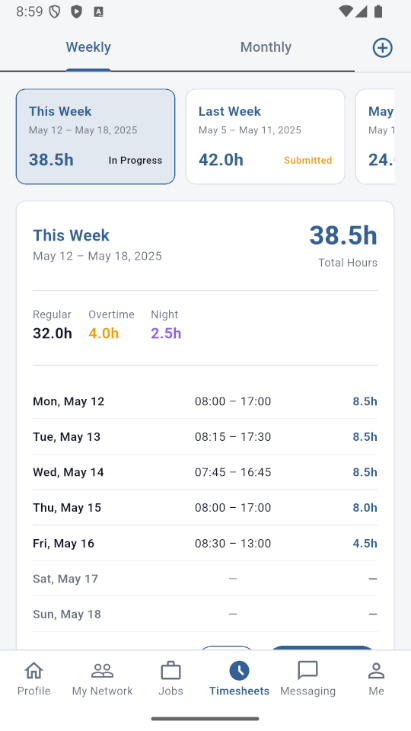
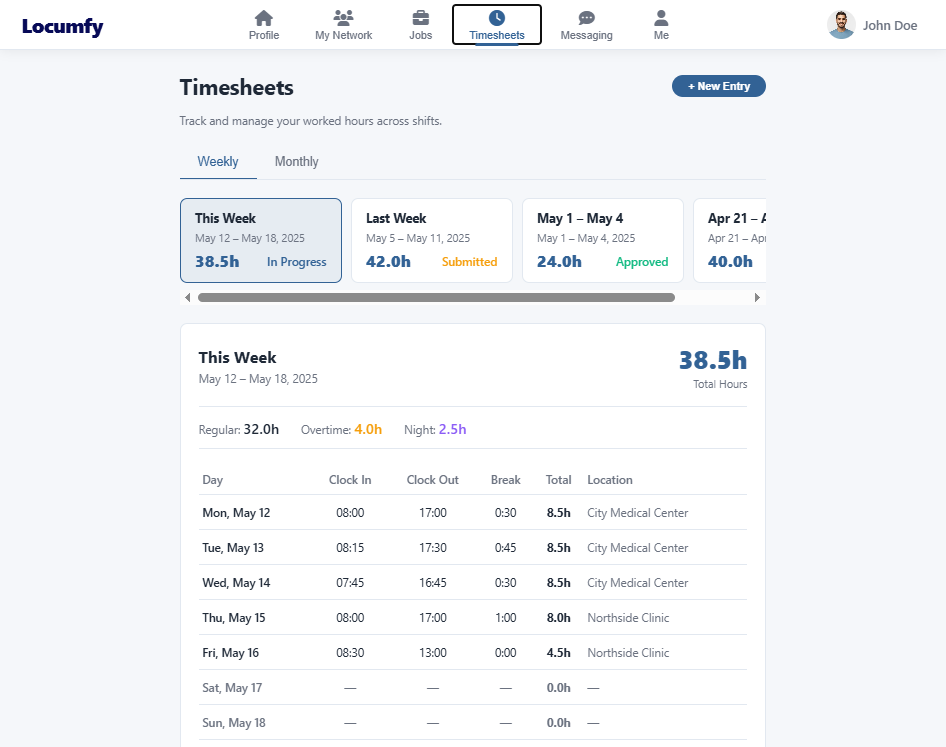
  • Weekly and monthly views — hours grouped the way payroll actually asks for them, with regular, overtime and night hours separated.
  • Shift-level detail — clock in, clock out, breaks and location recorded for every day of the week.
  • Submitted for approval — send a completed timesheet to the facility that posted the role and watch its state change as it is reviewed.
Mobile timesheets screen with weekly and monthly tabs, total hours for the week and a day-by-day shift breakdown.
Same platform, either screen

The web experience mirrors the app.

Every professional feature is available in the browser as well as on the phone. Both are built against the same interface, so your profile, network, applications and hours are identical wherever you open them.